.svg)

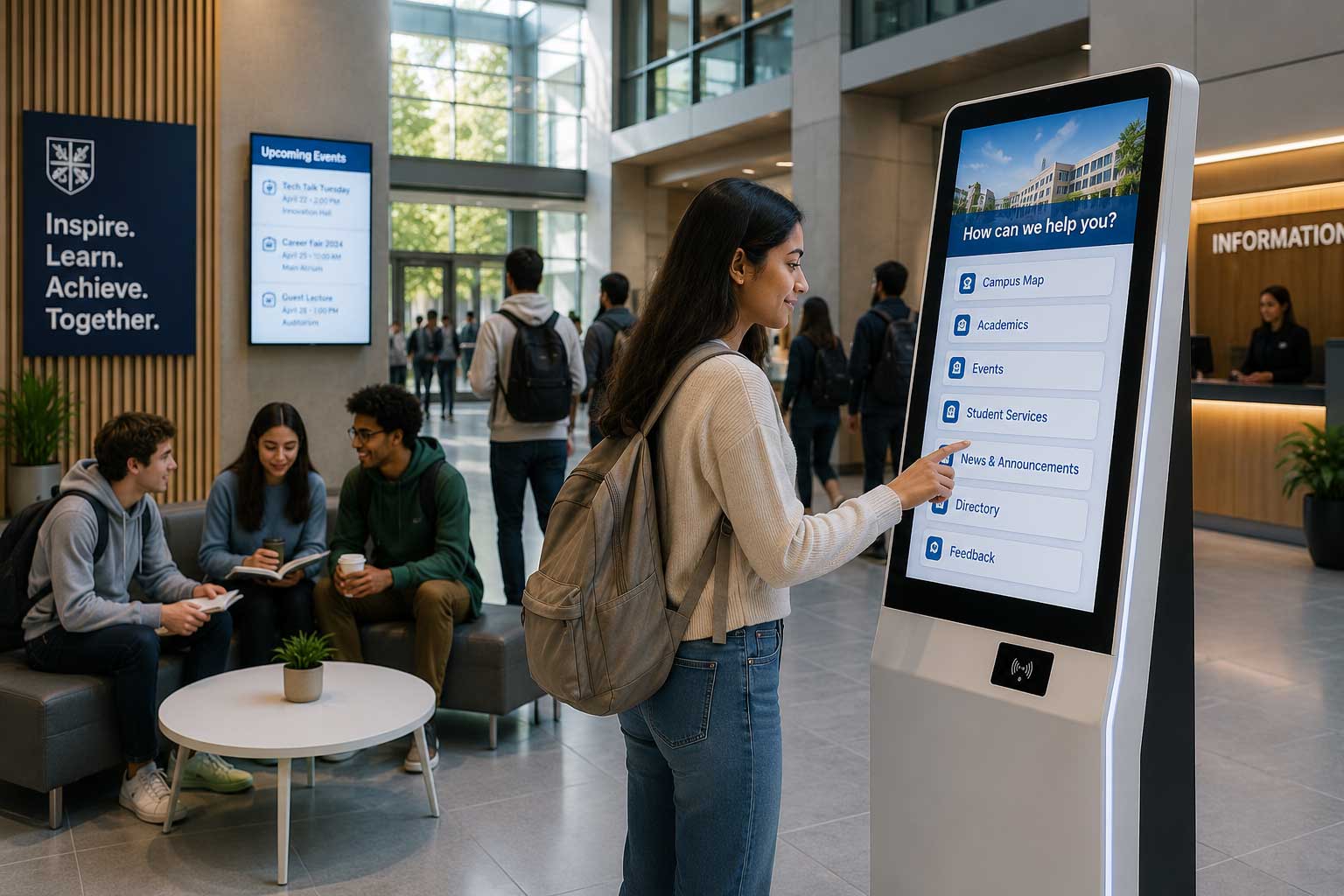
Educational institutions are increasingly adopting digital solutions to improve efficiency and enhance the campus experience. While many schools associate interactive kiosks with admissions or visitor registration, their potential extends far beyond the reception area.
A single interactive kiosk can support students, parents, staff, and visitors throughout the day, making everyday campus operations faster, smarter, and more convenient. Here are seven practical ways schools and universities can benefit from interactive kiosk technology.
1. Campus Wayfinding
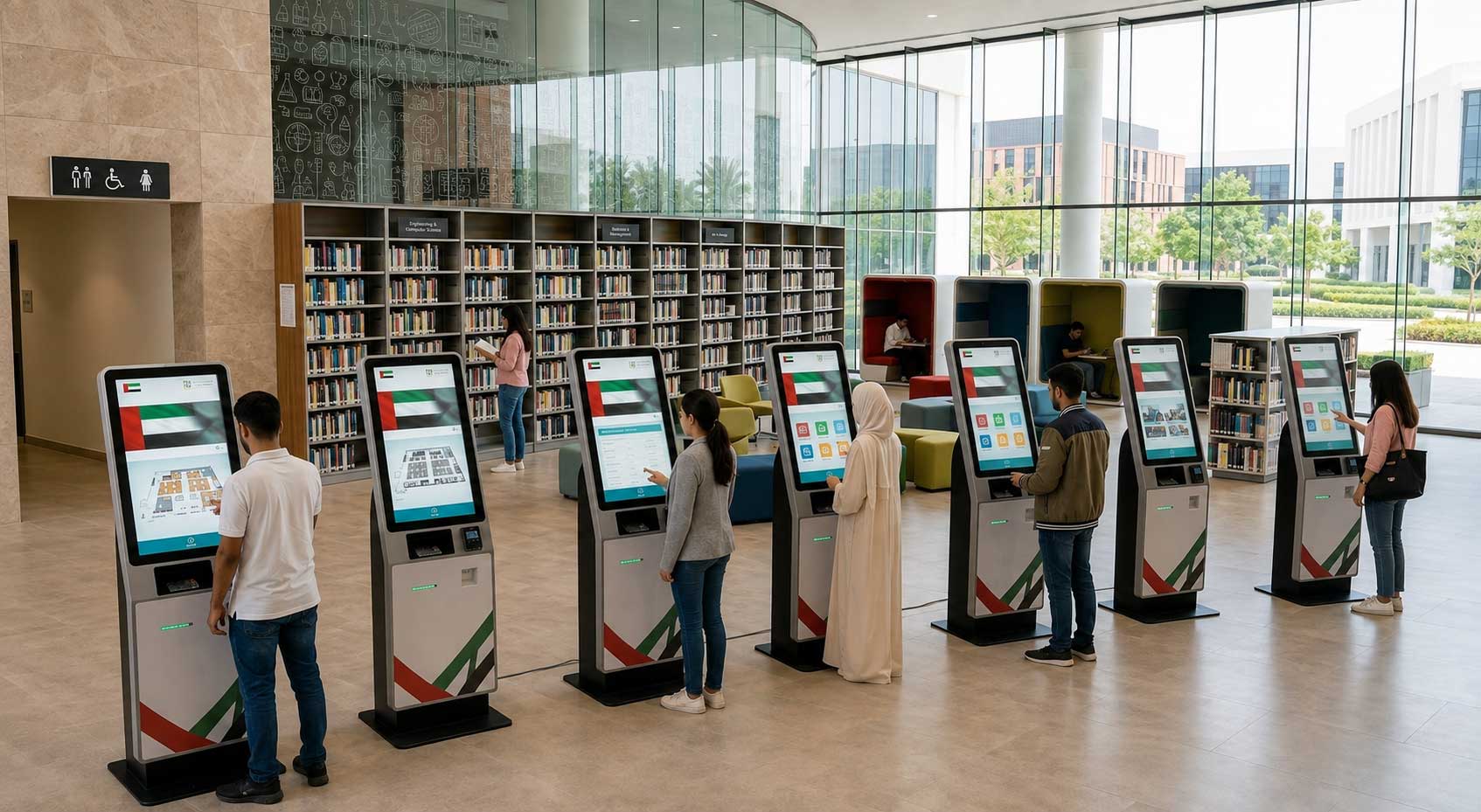
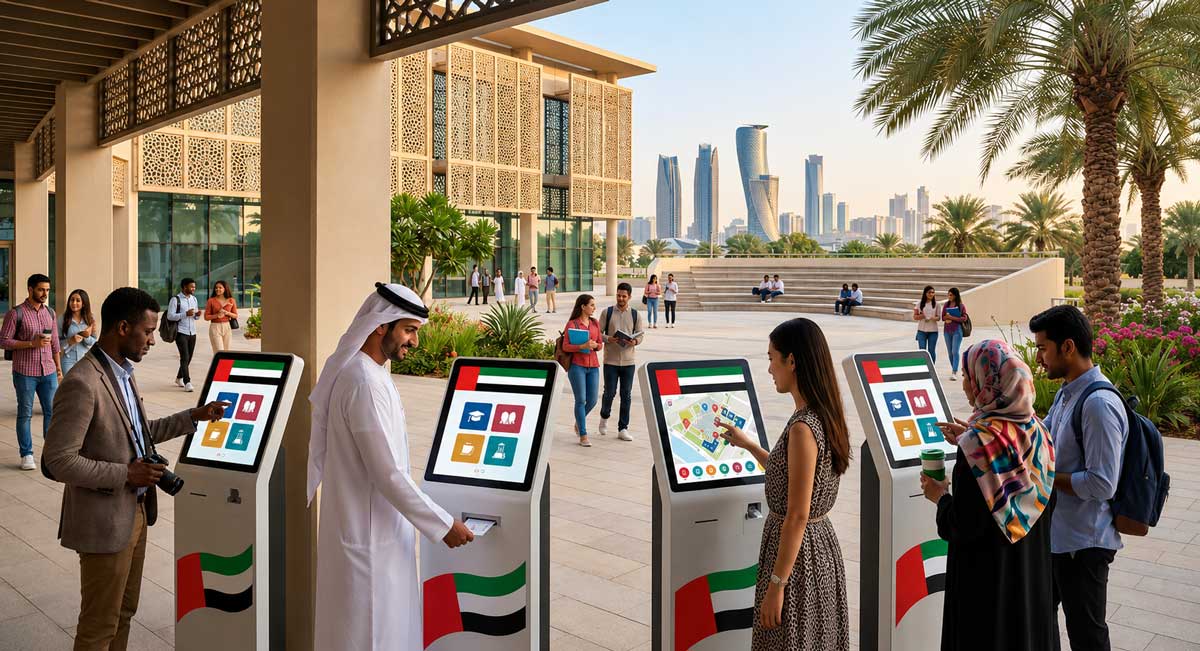
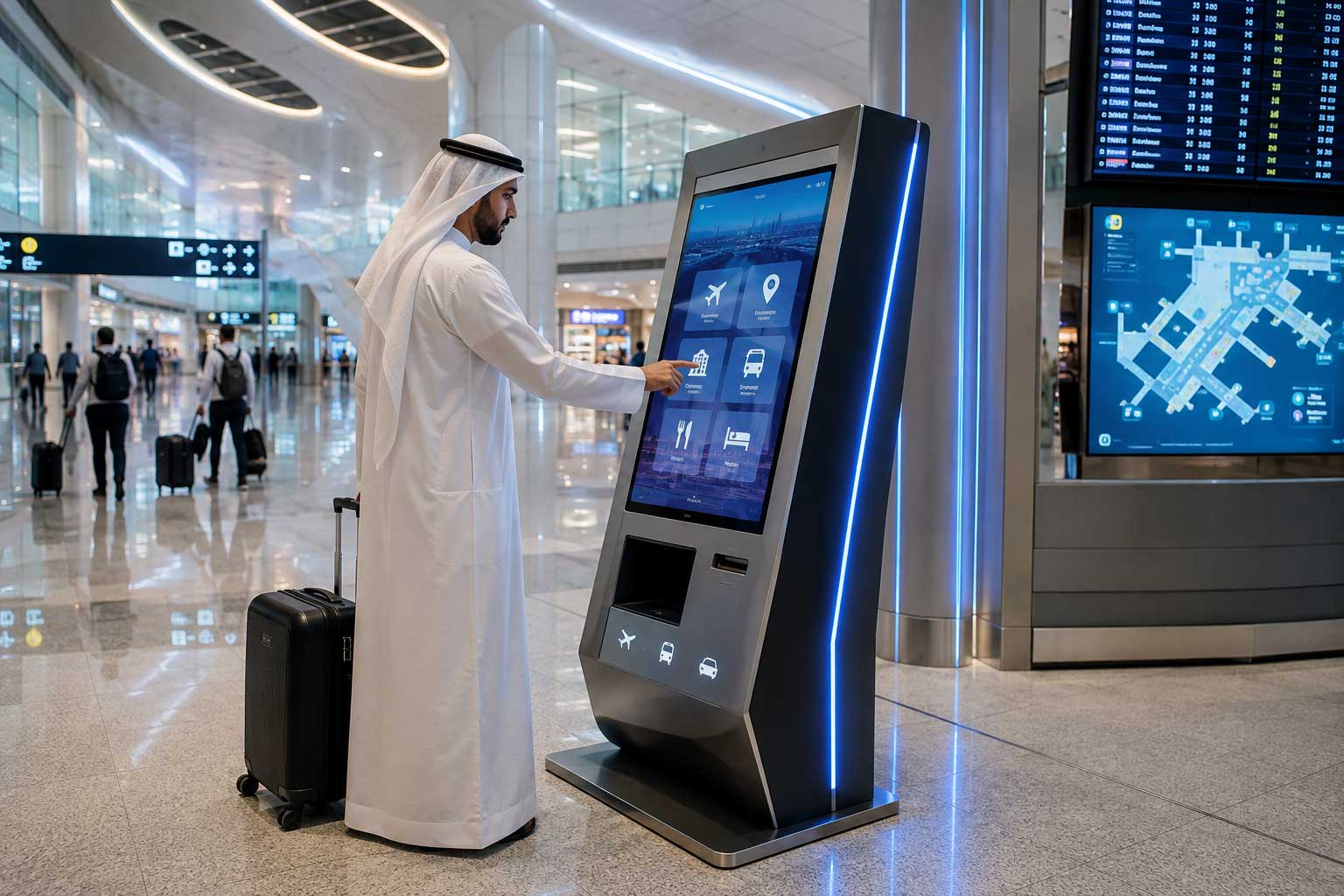
Large campuses can be challenging to navigate, particularly for new students, parents, and visitors. Interactive wayfinding kiosks provide searchable campus maps that help users quickly locate classrooms, administration offices, libraries, cafeterias, auditoriums, and parking areas. This reduces confusion while minimizing directional enquiries at reception.
2. Visitor Registration
Managing visitors efficiently is essential for both security and professionalism. A self-service kiosk can streamline visitor check-in by allowing guests to register, print visitor badges, notify staff of their arrival, and maintain digital visitor records, all without manual paperwork.
3. Cashless Canteen Ordering
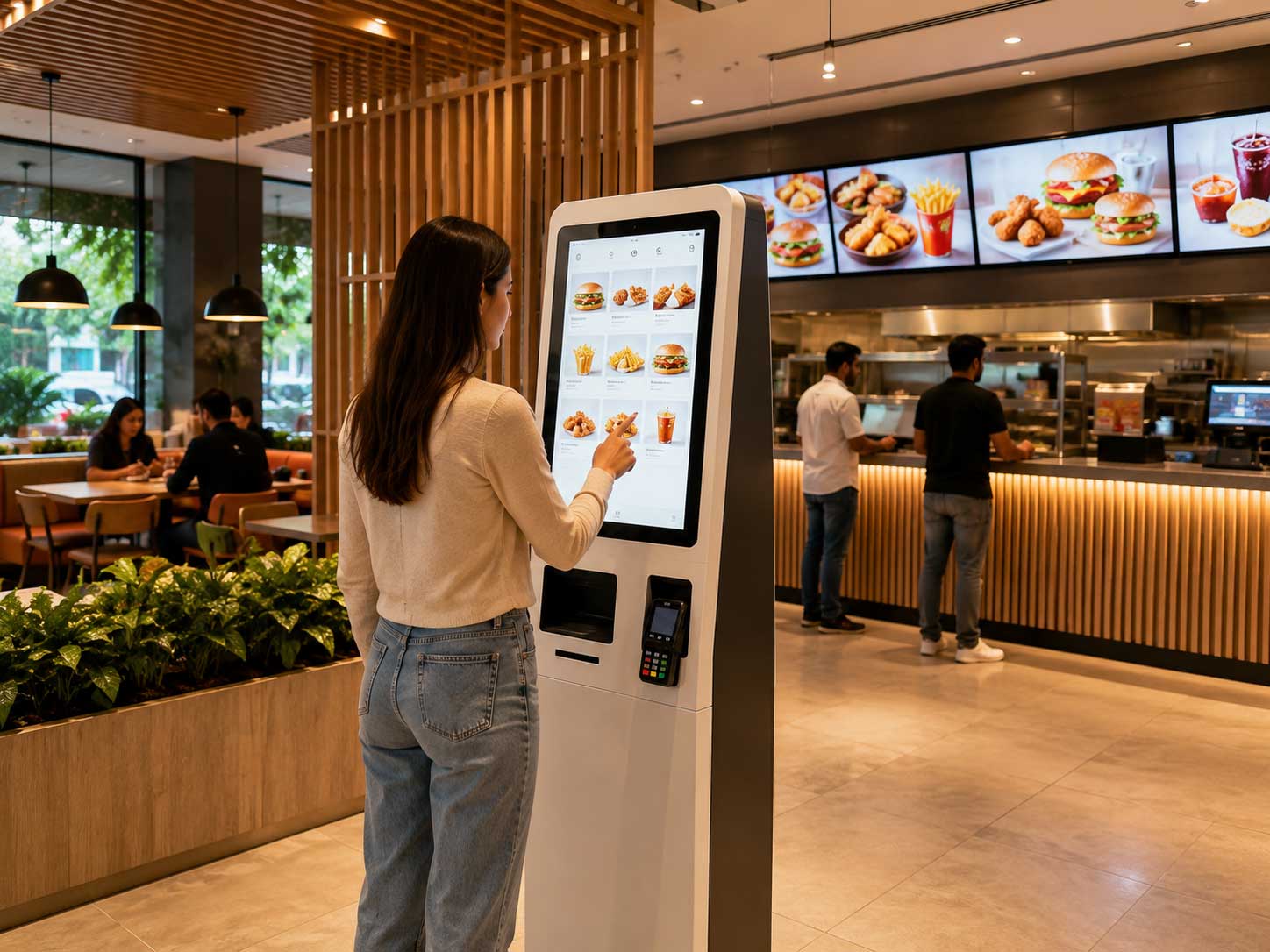
School cafeterias often experience long queues during peak hours. Interactive kiosks allow students to browse menus, place orders, and complete cashless payments before collecting their meals. This improves service speed, reduces congestion, and creates a more convenient dining experience.
4. Digital Notice Boards
Instead of relying solely on printed announcements, schools can use kiosks to display up-to-date information across the campus. This includes:
- Academic calendars
- Upcoming events
- Examination schedules
- Emergency notifications
- Campus news
- Student achievements
Digital content can be updated instantly, ensuring everyone sees the latest information.
5. Event Registration
Schools regularly host open days, competitions, workshops, graduations, and community events. Interactive kiosks can simplify event registration, QR code check-ins, attendance tracking, and visitor guidance, making events more organized and efficient.
6. Student Information Hub
Students often need quick access to campus information throughout the day. A kiosk can provide:
- Timetables
- Department contacts
- Campus directories
- Frequently asked questions
- Academic notices
- Service request forms
Providing self-service access helps reduce routine enquiries at administrative offices.
7. Parent and Prospective Student Information
Parents visiting the campus or prospective students exploring their options can use kiosks to learn about:
- Academic programs
- Campus facilities
- Admission requirements
- Scholarships
- Student life
- Virtual campus tours
This creates a welcoming first impression while supporting the admissions team.
Why Schools Are Investing in Interactive Kiosks
Interactive kiosks are more than just digital displays. They're an investment in better campus operations. By automating everyday interactions, schools can:
- Reduce administrative workload
- Improve student satisfaction
- Enhance campus security
- Deliver faster services
- Strengthen their digital transformation strategy
As expectations for digital experiences continue to grow, interactive kiosks are becoming a valuable part of modern educational environments.
Why Choose VirtuKiosk?
VirtuKiosk provides customizable interactive kiosk solutions for schools, colleges, and universities across the UAE. Whether you need visitor management, campus wayfinding, digital signage, admissions support, or cashless canteen solutions, VirtuKiosk is designed to integrate into your institution's daily operations without disruption.
Frequently Asked Questions
Can one kiosk support multiple functions?
Yes. A single VirtuKiosk can be configured for services such as visitor registration, wayfinding, digital notices, admissions information, and self-service functions.
Can the kiosk match our school's branding?
Absolutely. The interface, colors, logo, and content can all be customized to reflect your institution's branding.
Are these kiosks suitable for both schools and universities?
Yes. VirtuKiosk solutions are scalable and can be deployed in K-12 schools, colleges, universities, and training institutes.
Conclusion
Interactive kiosks have evolved into versatile digital tools that support every aspect of campus life. From improving navigation and visitor management to streamlining canteen services and student communications, they help educational institutions create a smarter, more efficient learning environment.
With the right solution in place, schools can enhance the experience for students, parents, staff, and visitors while reducing administrative workload and preparing for the future of digital education.