.svg)

Introduction
Workplaces are evolving faster than ever — from hybrid teams and flexible schedules to smart office automation.
As businesses embrace digital transformation, one technology is quietly improving both employee experience and operational efficiency — the digital kiosk.
Whether it's welcoming visitors, sharing company updates, or managing daily workflows, kiosks are becoming a cornerstone of the modern smart office.
The Role of Digital Kiosks in Workplaces
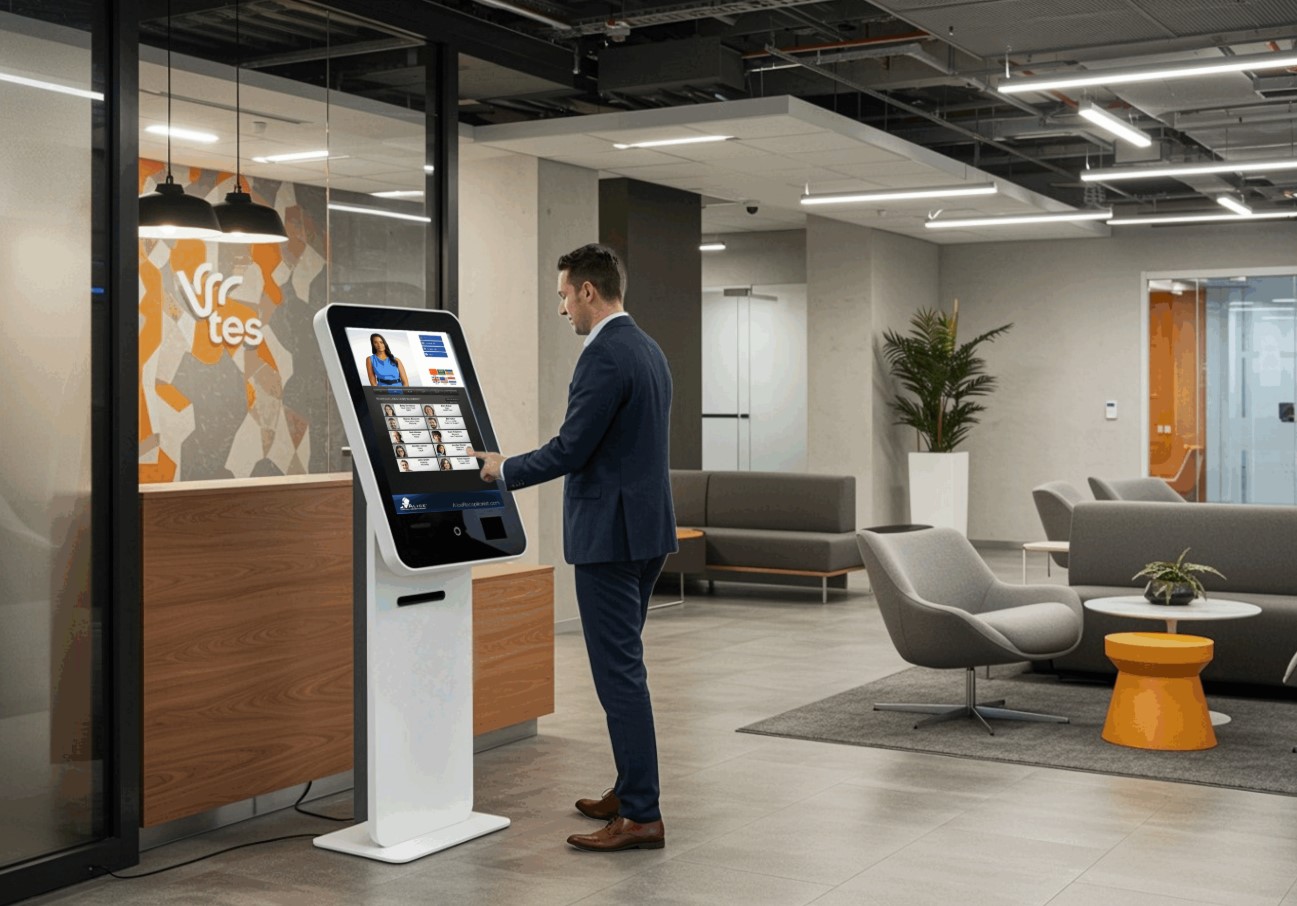
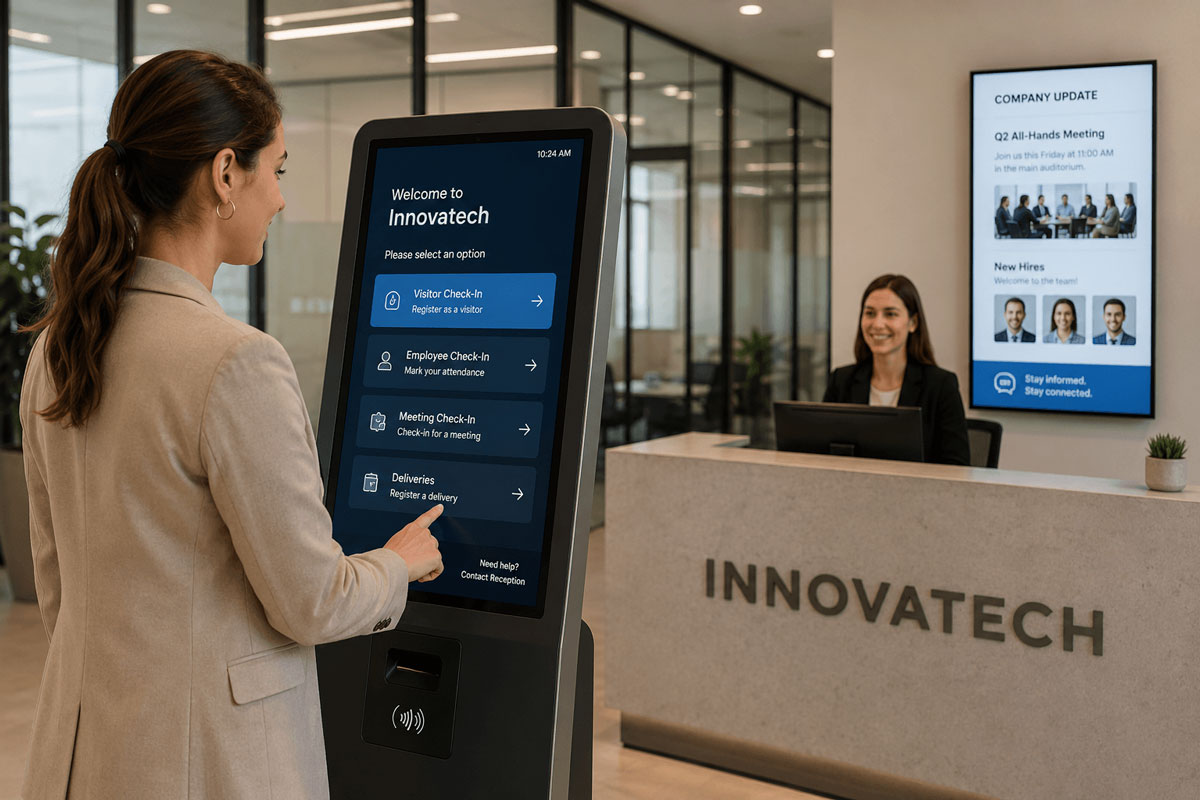
A digital kiosk in a corporate environment is an interactive touchscreen system that simplifies routine office tasks and enhances communication.
Installed in reception areas, lobbies, and common spaces, these kiosks serve multiple roles:
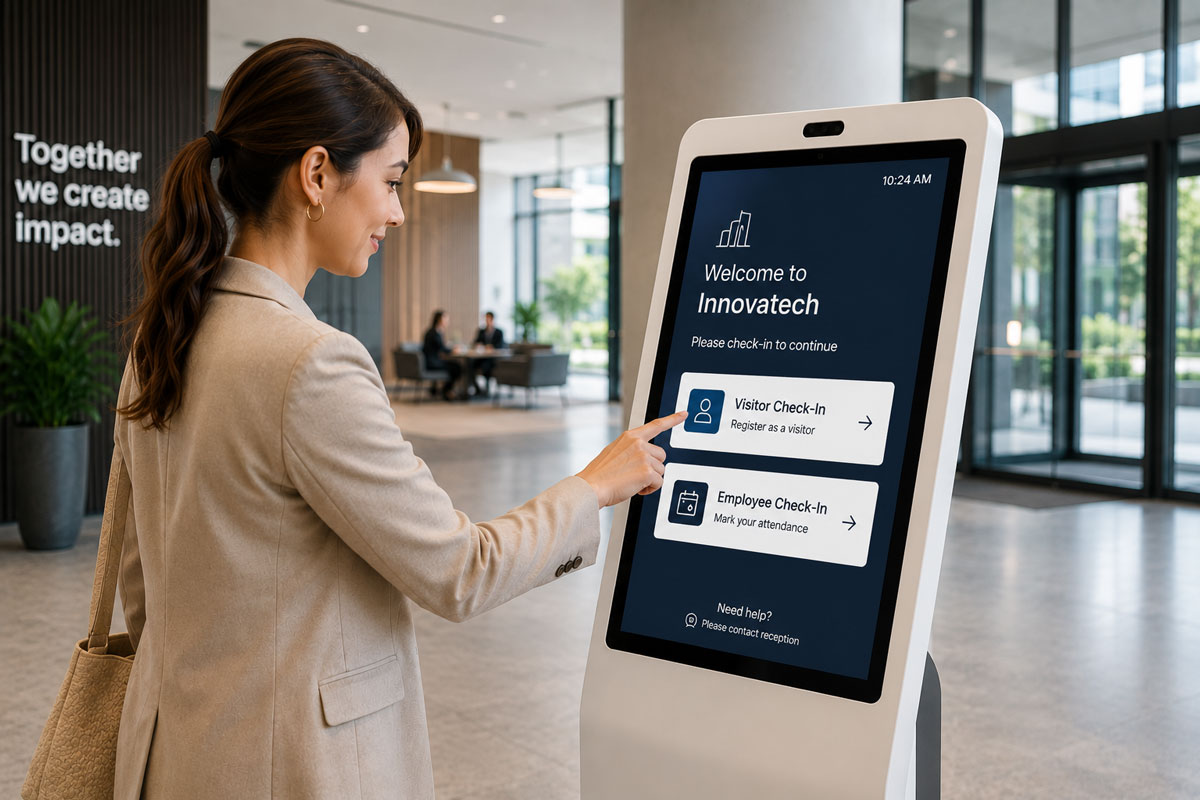
- Visitor check-in and access management
- Internal communication and announcements
- Meeting room booking and navigation
- Employee self-service requests
- Digital signage for company updates or emergency alerts
Key Applications of Office Kiosks
1. Visitor Management & Check-In
- Replaces manual logbooks with quick, digital registration.
- Issues visitor badges instantly and notifies hosts via email or SMS.
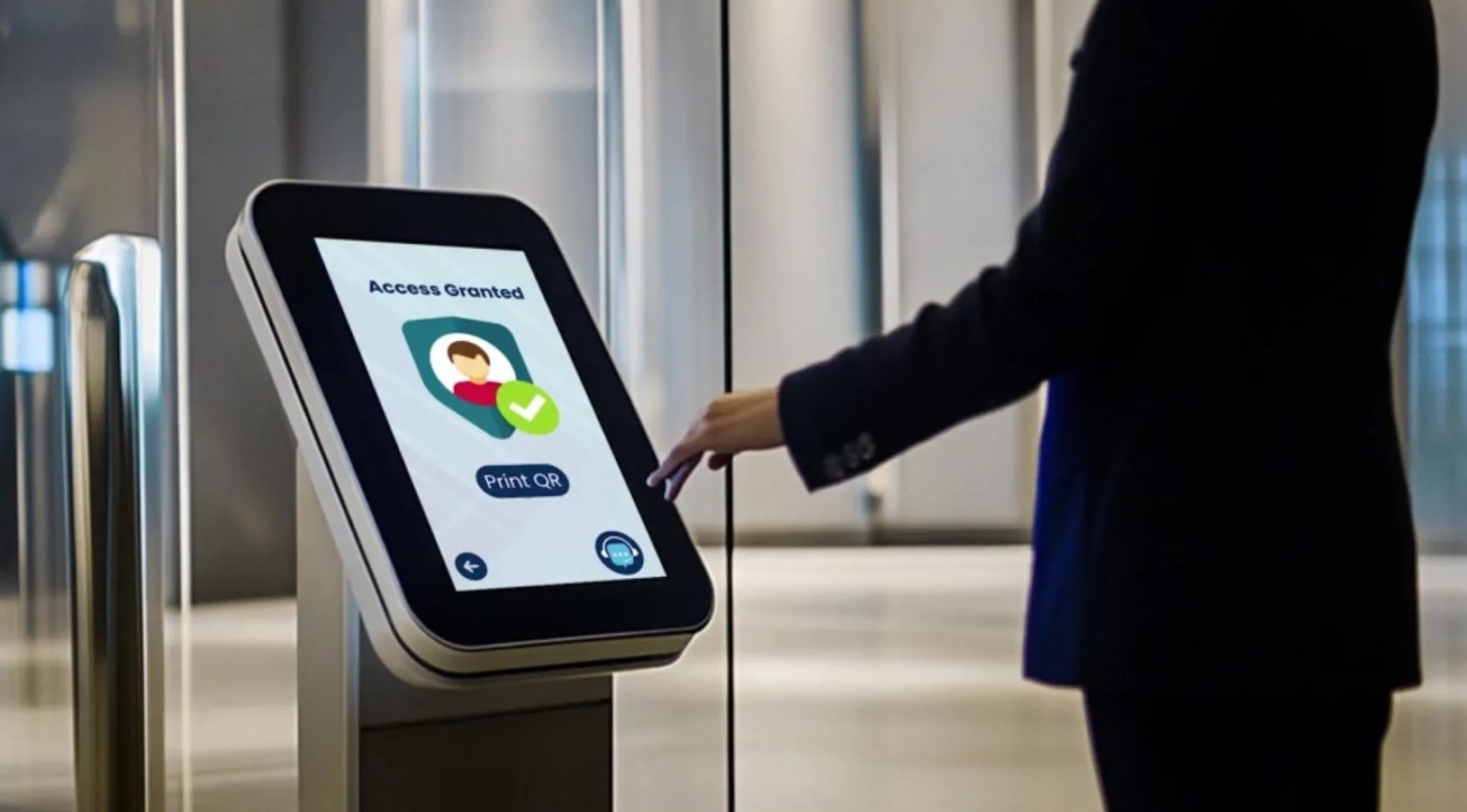
- Integrates with access control for secure entry.
2. Internal Communication & Announcements
- Acts as a digital noticeboard to display news, HR updates, and internal campaigns.
- Ensures remote teams and hybrid workers are always informed.
3. Meeting Room Booking
- Employees can reserve or release meeting spaces directly from a kiosk.
- Displays real-time availability synced with Outlook or Google Workspace.
4. Employee Self-Service Portals
- HR functions like leave requests, payslips, and attendance records can be accessed instantly.
- Reduces dependency on admin desks and repetitive email exchanges.
5. Corporate Branding & Digital Signage
- Reinforces brand identity in reception and common areas with videos, achievements, and welcome messages.
Benefits of Deploying Kiosks in Workplaces
- Reception & Security: Automated visitor management and controlled access.
- Communication: Centralized updates, improved internal transparency.
- Operations: Reduced manual coordination, real-time room booking.
- Employee Engagement: Quick access to HR tools and company announcements.
- Brand Image: Smart, tech-driven impression for clients and employees.
Integration Capabilities
Modern office kiosks connect seamlessly with existing enterprise tools:
- Access Control & ID Systems — for secure entry
- HR & ERP Platforms — for self-service functions
- Email & Calendar Systems — for meeting management
- Cloud CMS — for instant content updates
Safety, Accessibility, and Design
- Touchless Options: Motion or QR-based check-in for health safety.
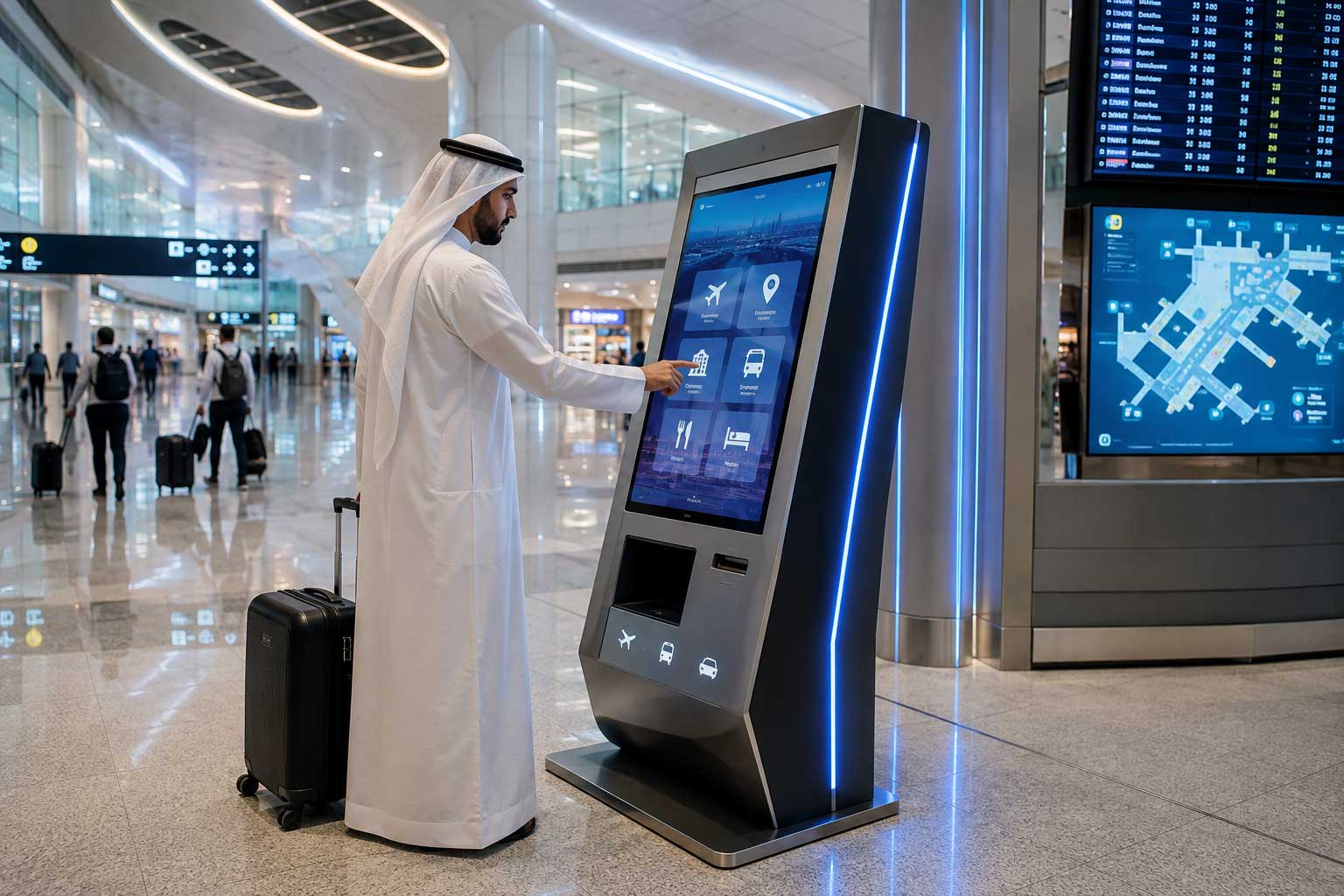
- Multi-language Interface: Suitable for multicultural workplaces in regions like the UAE.
- Accessibility Compliance: Adjustable screens, voice-guided options, and wheelchair-friendly height.
- Custom Branding: Colors, layouts, and UI design aligned with corporate identity.
Future Outlook: Smart Offices Powered by Kiosks
- AI-Powered Check-Ins: Facial recognition and automated visitor workflows.
- IoT Integration: Linking kiosks with building automation (lighting, HVAC).
- Analytics Dashboards: Real-time insights into visitor traffic and space usage.
- Sustainability: Reducing printed materials and energy consumption.
Conclusion
Digital kiosks are transforming offices into connected, efficient, and engaging environments.
They simplify operations, enhance communication, and reinforce a company's digital-first culture — all while leaving a powerful impression on visitors and clients.
Modernize your workplace with Castle IT's smart kiosk solutions. From visitor management to employee engagement — we help you design the perfect digital office experience.