.svg)

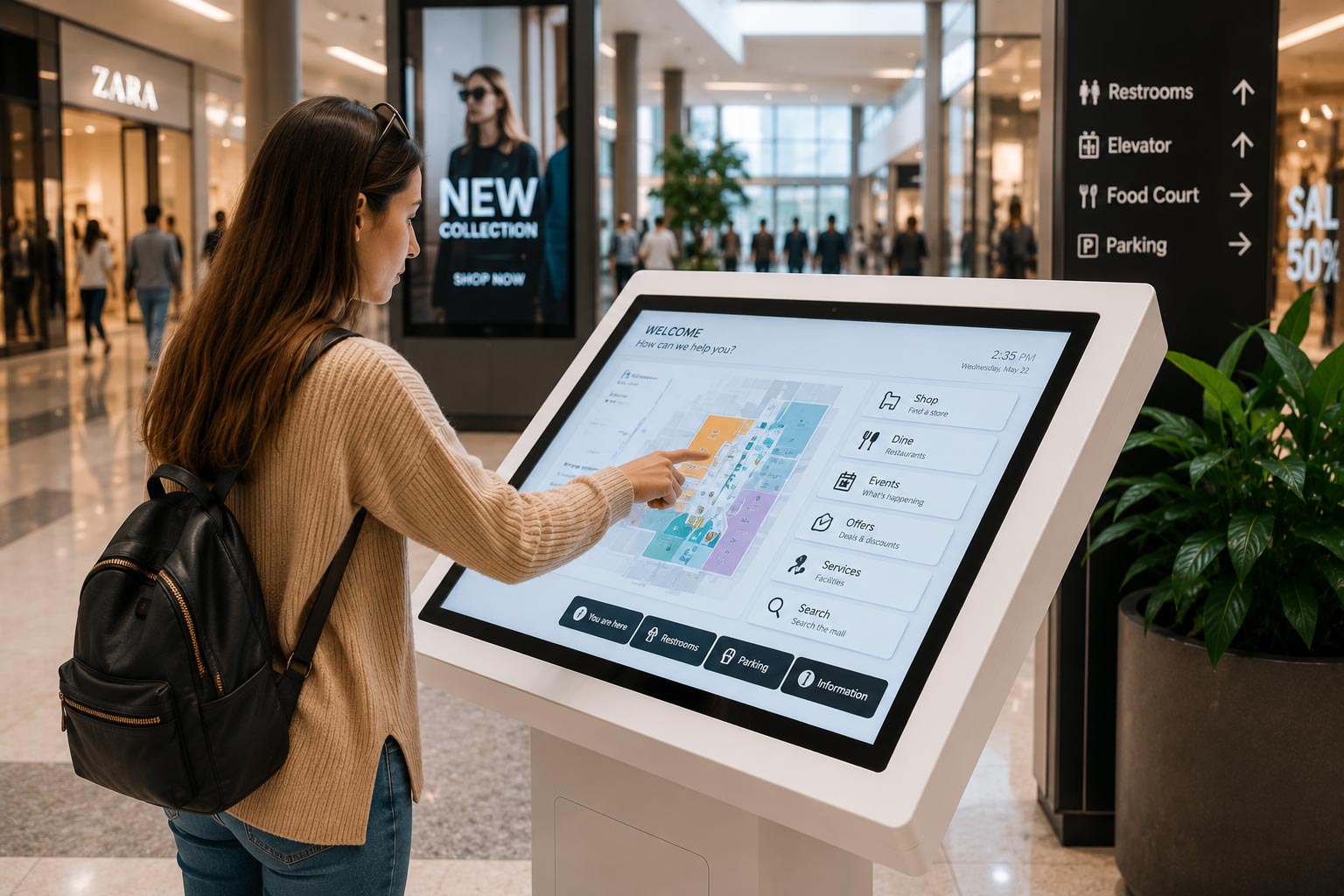
What Is an Interactive Kiosk?
An interactive kiosk is a touchscreen-based digital system that allows users to access information, complete tasks, or interact with content without staff assistance.
Unlike static digital displays, interactive kiosks respond to user input, making them ideal for environments where speed, engagement, and self-service are essential.
Why Interactive Kiosks Are Used Across Industries
Organizations across retail, malls, events, and education face similar challenges:
- High visitor volume
- Limited staff availability
- Repetitive enquiries
- Need for real-time information
Interactive kiosks solve these challenges by providing consistent, on-demand digital assistance.
Core Features That Matter in Interactive Kiosks
Touchscreen Self-Service Interface
At the heart of every interactive kiosk is a responsive touchscreen that allows users to navigate easily, complete actions quickly, and access information independently.
A good interface is simple, fast, and intuitive — ensuring adoption across all age groups.
Wayfinding & Navigation
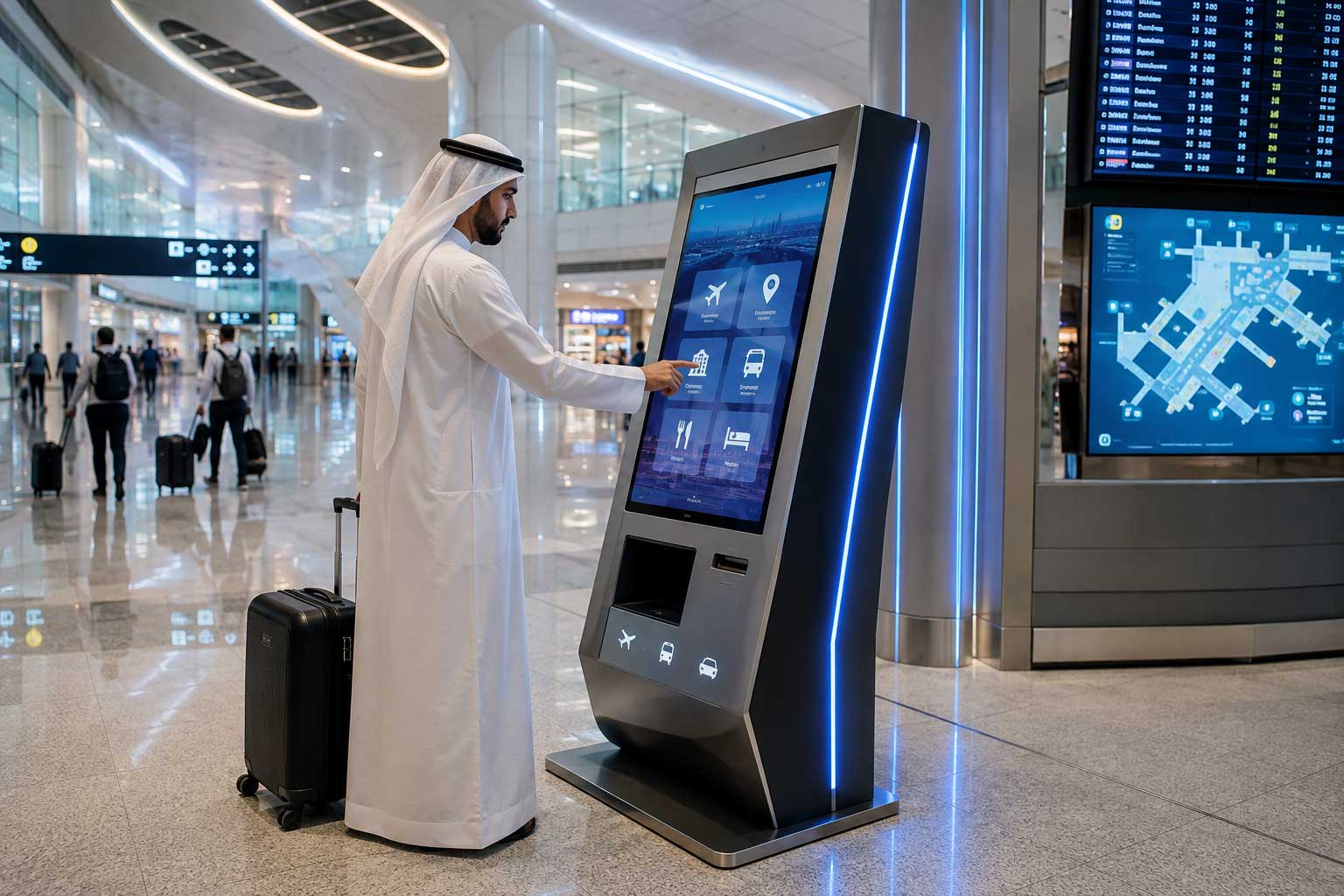
Wayfinding is one of the most valuable kiosk features across industries. Kiosks help users locate stores, classrooms, booths, offices, or facilities without confusion.
This is especially important in large malls, campuses, and event venues.
Information & Content Display
Interactive kiosks deliver up-to-date information such as announcements, schedules, promotions, or service details.
Because content is managed centrally, updates can be made instantly across multiple kiosks.
Lead Capture & Data Collection
Kiosks allow organizations to collect user information through forms, surveys, or registrations. This is widely used in:
- Events for lead capture
- Retail for customer feedback
- Education for enquiries and registrations
Branding & Custom UI
Interactive kiosks can be fully branded to match an organization's identity. From screen design to interface colors, kiosks become an extension of the brand rather than generic hardware.
System Integration
Modern kiosks integrate with:
- POS systems
- ERP and CRM platforms
- Payment gateways
- CMS and cloud platforms
This ensures accurate data flow and seamless operations.
Industry-Specific Applications
Retail
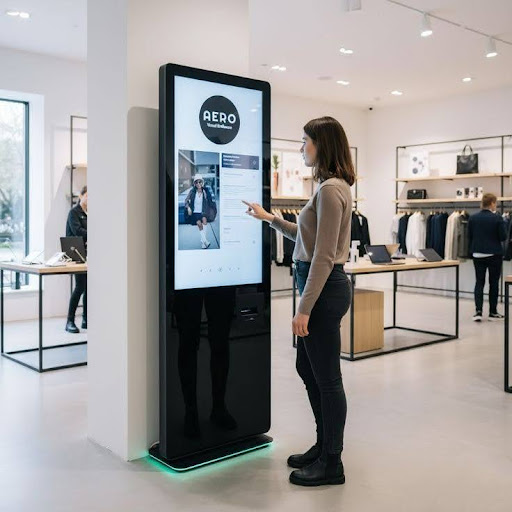
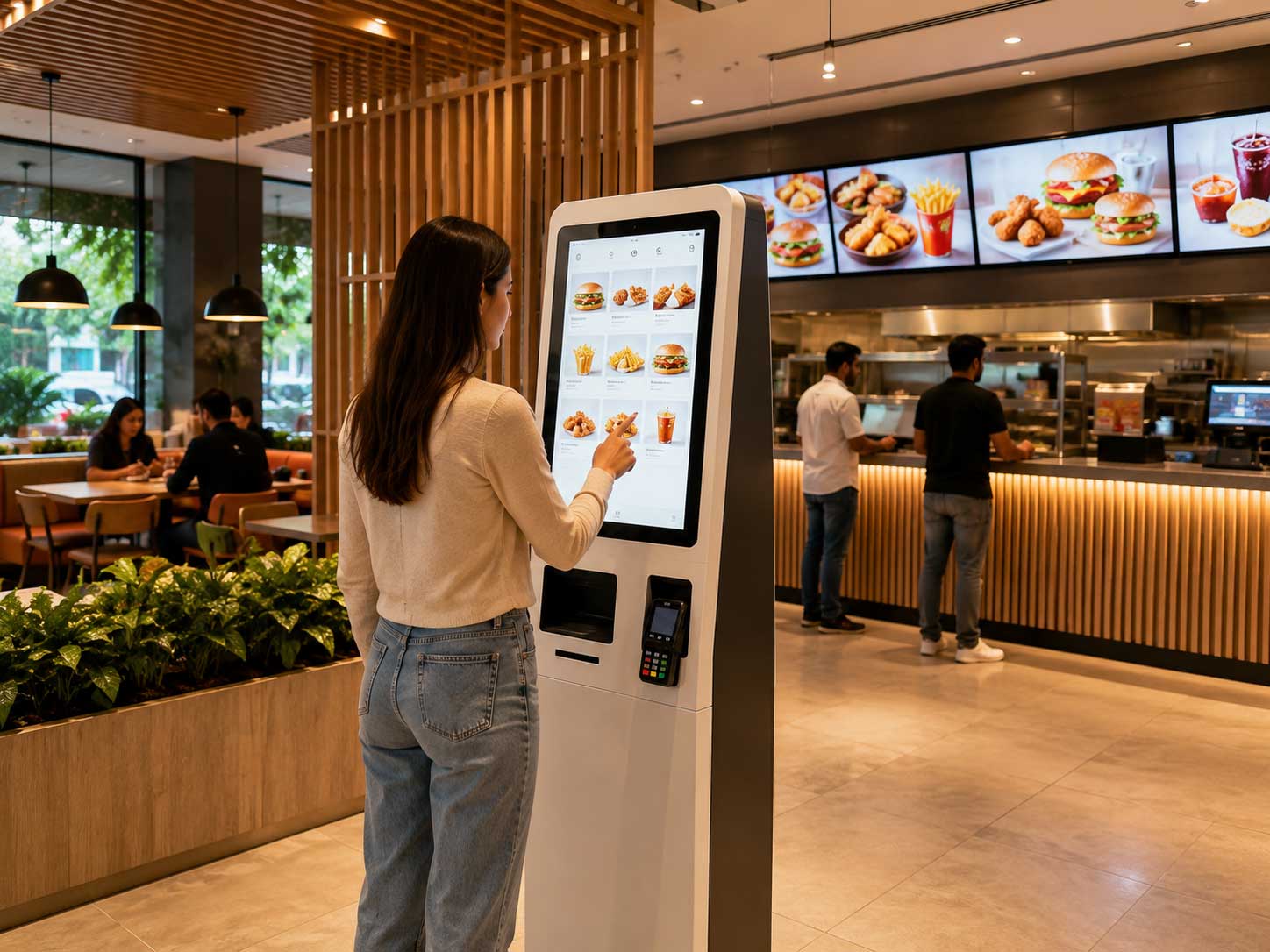
Interactive kiosks support product discovery, promotions, self-service ordering, and loyalty engagement — improving in-store experience and sales.
Shopping Malls
Mall kiosks focus on wayfinding, store discovery, promotions, and event information, enhancing visitor experience and tenant visibility.
Events & Exhibitions
Event kiosks enable fast check-ins, venue navigation, lead capture, and sponsor branding — making event operations smoother and more engaging.
Education
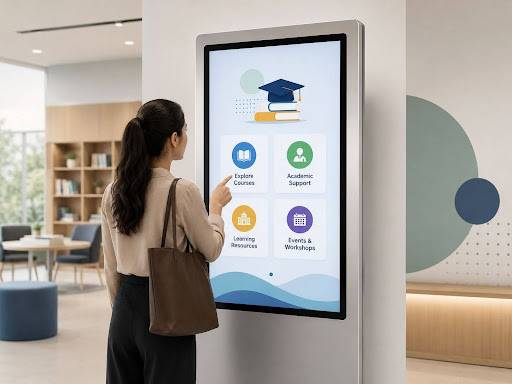
In schools, colleges, and universities, kiosks support student services, payments, campus navigation, event check-ins, and communication.
Rent or Buy: Flexible Deployment Options
Interactive kiosks can be:
- Rented for short-term needs like events or trials
- Purchased for long-term installations in campuses, malls, or retail spaces
This flexibility allows organizations to choose what fits their operational needs and budgets.
Choosing the Right Interactive Kiosk
When selecting a kiosk solution, organizations should focus on:
- Ease of use
- Hardware durability
- Integration capability
- Customization options
- Scalability and support
A well-chosen kiosk delivers long-term value beyond initial deployment.
Conclusion
Interactive kiosks have become essential digital tools across industries. By combining self-service, engagement, and system integration, they improve efficiency while enhancing user experience.
Whether deployed in retail stores, malls, events, or educational campuses, interactive kiosks help organizations operate smarter and connect better with their audiences.
Castle IT Solutions delivers flexible, fully customized interactive kiosk solutions designed for retail, malls, events, and education environments.