.svg)

What Makes a Good Interactive Kiosk?
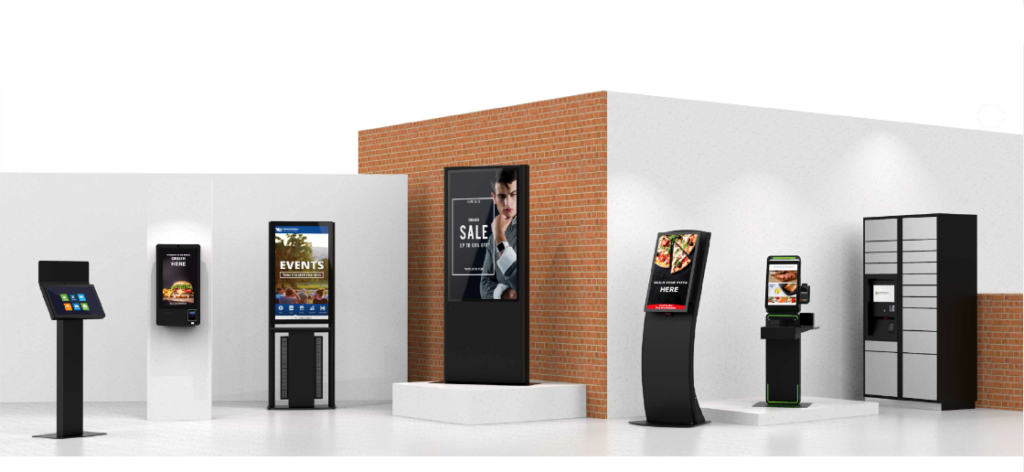
Not all kiosks are built the same. A good interactive kiosk should be easy to use, reliable, scalable, and capable of integrating with the systems a business already uses.
Businesses should focus on usability, content control, integration capability, and long-term support.
Key Features to Look for in an Interactive Kiosk System
Responsive Touchscreen
A fast and intuitive touchscreen is essential because the user experience starts with the interface.
If the kiosk feels slow or confusing, users will avoid it. A responsive screen encourages interaction and adoption.
Cloud Content Management
Cloud content management allows businesses to update kiosk screens, promotions, menus, maps, and announcements remotely.
This is especially useful for businesses with multiple locations or frequently changing content.
System Integration
Kiosks should integrate with POS, CRM, ERP, payment systems, student systems, or event platforms depending on the use case.
Integration turns a kiosk from a display device into a connected business tool.
Custom Branding
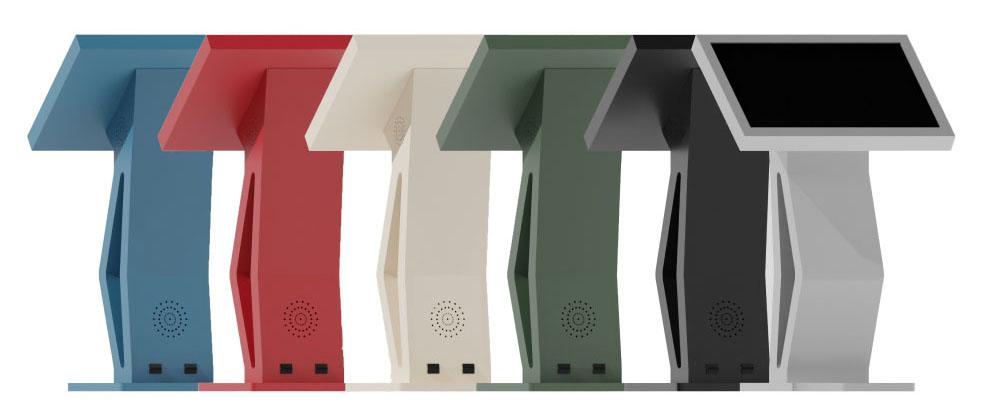
The kiosk interface should reflect the organization's brand identity, colors, tone, and customer journey.
Custom branding makes the kiosk feel like part of the business experience rather than a generic device.
Durability and Support
Commercial-grade hardware is essential for long-term reliability, especially in high-traffic environments.
Ongoing support, maintenance, and updates are equally important for smooth operations.

Summary: What to Prioritize
- Responsive Touchscreen — Fast, intuitive interface that encourages user adoption
- Cloud Content Management — Remote updates for screens, menus, promotions, and announcements
- System Integration — Connects with POS, CRM, ERP, payment, and other platforms
- Custom Branding — Reflects your organization's identity and customer journey
- Durability and Support — Commercial-grade hardware with ongoing maintenance and updates
Conclusion
Choosing the right kiosk system requires balancing functionality, scalability, user experience, and support.
A well-selected kiosk becomes a long-term digital touchpoint that improves experience and efficiency.
VirtuKiosk by Castle IT delivers scalable interactive kiosk systems designed for modern businesses.