.svg)

Schools across the UAE are embracing digital transformation to reduce manual work, cut queues, and improve the experience of students and parents alike. One of the simplest and most effective tools driving this change is the smart digital kiosk — a self-service solution that automates daily school operations.
Placed at entrances, cafeterias, reception areas, and libraries, kiosks are helping institutions deliver faster service, better communication, and safer cashless transactions — while promoting a modern, tech-ready image.
The Role of Smart Kiosks in Modern Schools
Smart kiosks are interactive touchscreen systems that handle routine school activities with minimal staff involvement. Connected to school management software, they streamline:
- Attendance tracking and ID verification
- Cafeteria ordering and payments
- Fee collection with instant digital receipts
- Wayfinding for visitors and parents
- Announcements and event updates
Key Applications of School Kiosks
1. Attendance and Student Tracking
Students can check in using ID cards or QR codes. Attendance is recorded instantly into the school ERP, giving real-time visibility to teachers and administrators.
2. Cafeteria Ordering and Canteen Management
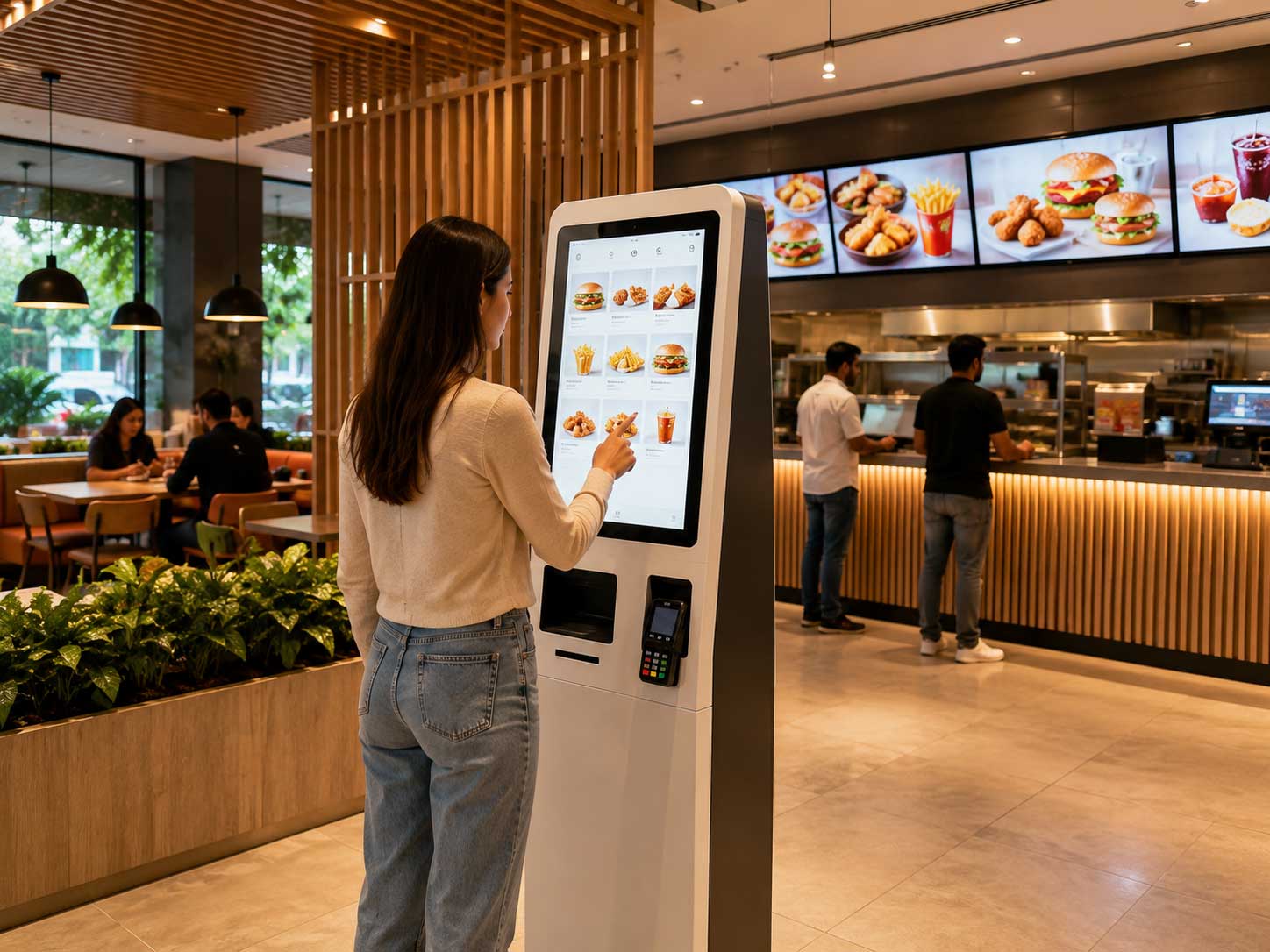
Self-ordering kiosks speed up lunchtime rushes and support cashless payments. Pre-order options can help schools maintain better inventory control and reduce food waste.
3. Fee Collection and Financial Transactions
Parents or students can pay tuition, transport, and activity fees directly through secure kiosks integrated with payment gateways — no more long queues at the accounts office.
4. Wayfinding and Visitor Assistance
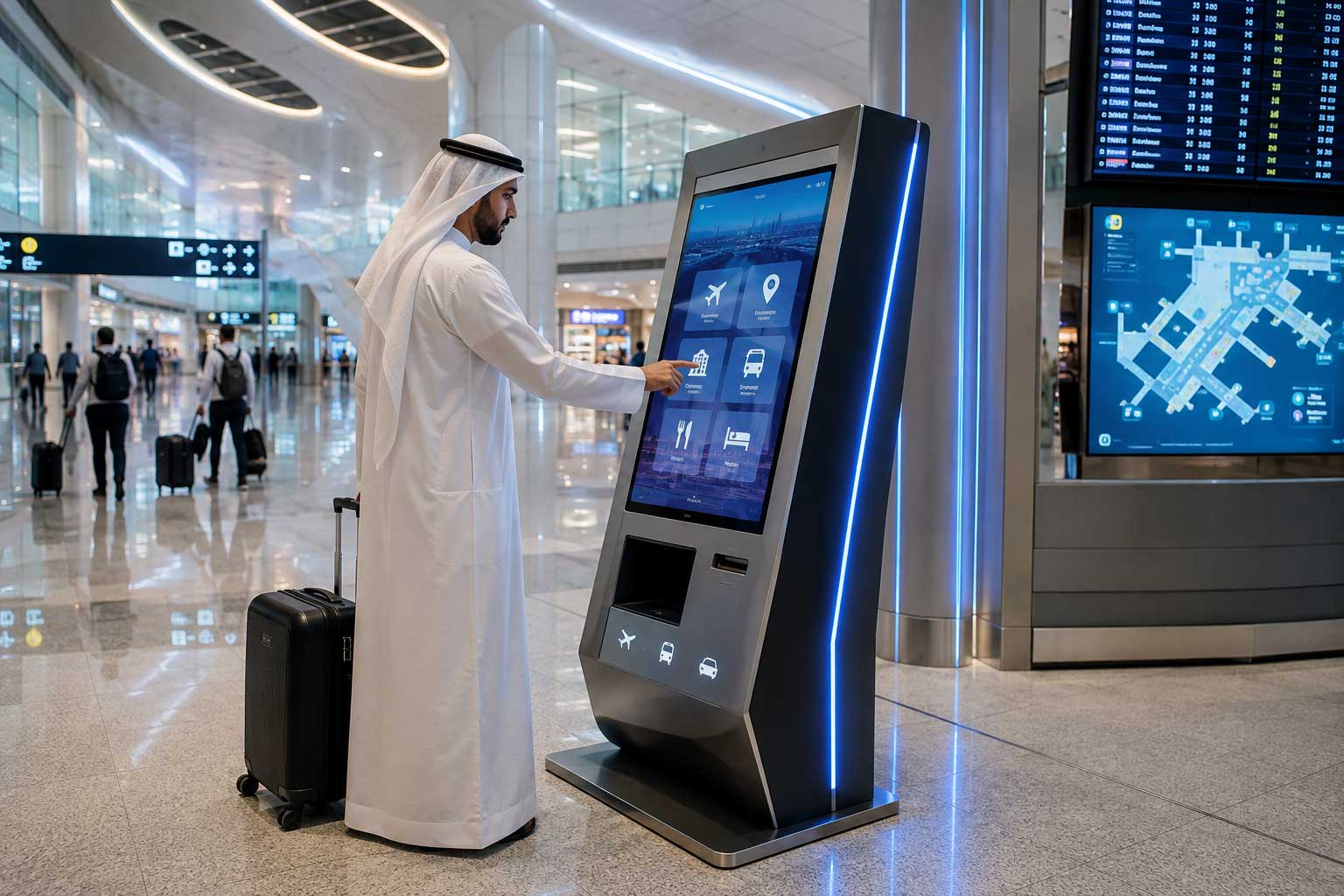
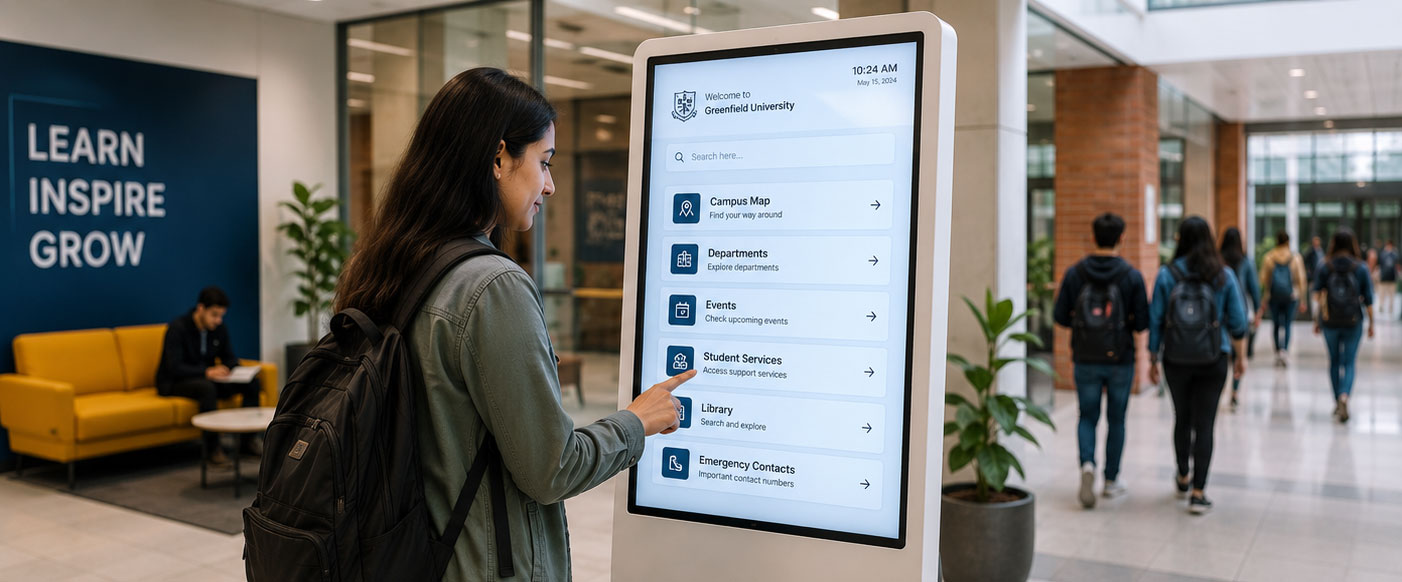
Large campuses can use kiosks to guide visitors or new parents to classrooms, offices, or event halls through interactive digital maps.
5. Communication and Information Sharing
Administrators can instantly publish school notices, timetables, exam updates, or emergency alerts on kiosk screens.
6. Parent Engagement
At parent-teacher meetings or school fairs, kiosks provide a digital information point — offering access to progress reports, event registrations, or surveys.
Benefits of Implementing Kiosks in Schools
- Students: Quick access to information, reduced wait times, and cashless cafeteria payments.
- Teachers and Staff: Automated attendance, simplified reporting, and reduced administrative work.
- Parents: Transparent fee payments and better communication.
- School Management: Improved efficiency, real-time analytics, and lower operating costs.
Integration with School Systems
Smart kiosks easily connect with:
- School ERP — for attendance, fees, and reporting
- Payment Gateways — for secure card or wallet transactions
- Cloud CMS — for remote updates of content and announcements
- Access Control Systems — for student and visitor entry
Case Example
A private school in Sharjah installed six kiosks at its main reception, cafeteria, and administration wing. Within the first term:
- 70% of fee payments moved to self-service kiosks
- Student queue times dropped by 40% during lunch hours
- Approximately 20 staff hours saved per week
Future of Smart Kiosks in Education
- AI-powered personalization: Show student-specific messages and reminders
- Voice-activated interactions: Accessible to younger or differently-abled students
- Integration with NFC IDs: One-tap attendance and payments
- Green initiatives: Reducing paper slips and manual forms
Conclusion
Smart kiosks are redefining how schools operate — bringing convenience, automation, and a digital edge to every corner of campus life. Whether it's managing fees, attendance, or cafeteria orders, kiosks help schools focus less on paperwork and more on learning.
Empower your school with Castle IT Solutions' education-ready kiosk systems. Streamline operations, engage parents, and enhance student experiences — all from one smart platform.